Mantener un conjunto determinado de contenedores es uno de los principales beneficios de usar Kubernetes .
En este artículo me gustaría entender este aspecto en la práctica, es decir, cómo se revisan los contenedores para ver si están vivos y cómo se reinician si es necesario, así como cómo nosotros, los desarrolladores de aplicaciones, ayudamos al sistema de orquestación en este asunto.
Para comenzar a experimentar, necesito un clúster de Kubernetes. Utilizaré el entorno de prueba proporcionado por Docker Desktop. Para hacer esto, solo necesita activar Kubernetes en la configuración.
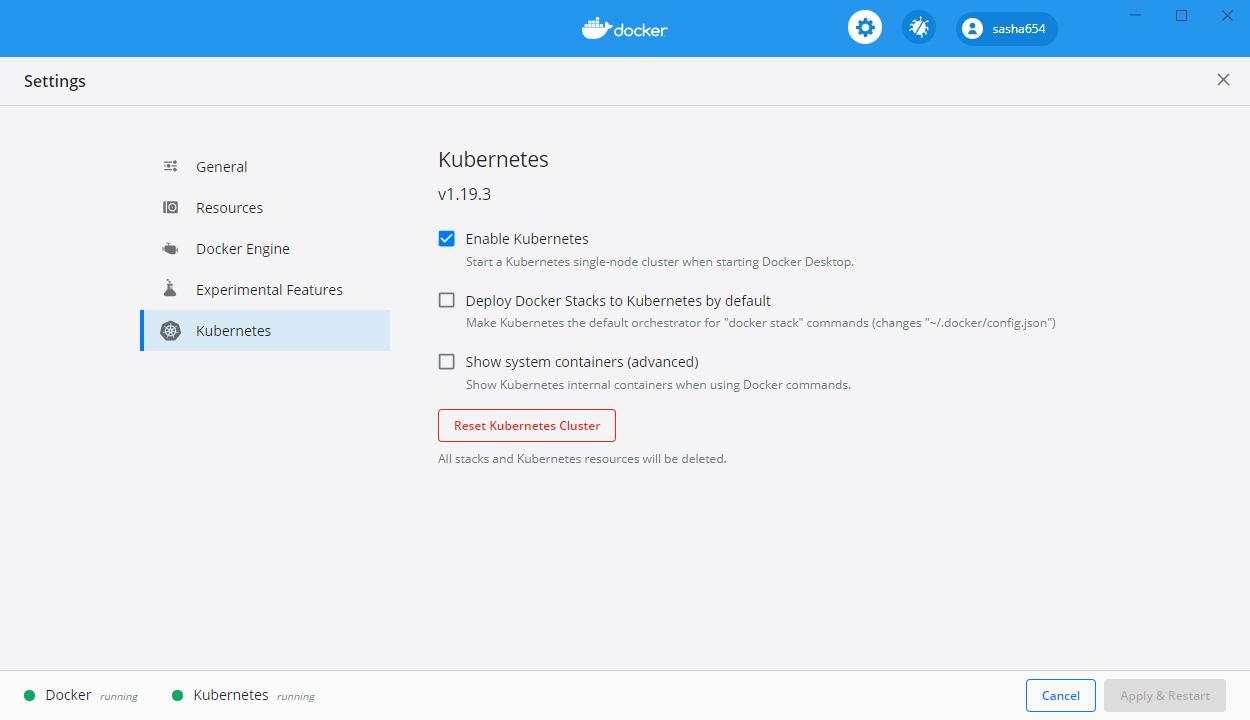
Cómo instalar Docker Desktop en Windows 10 se puede encontrar en la primera parte de este artículo .
Construyendo una API web
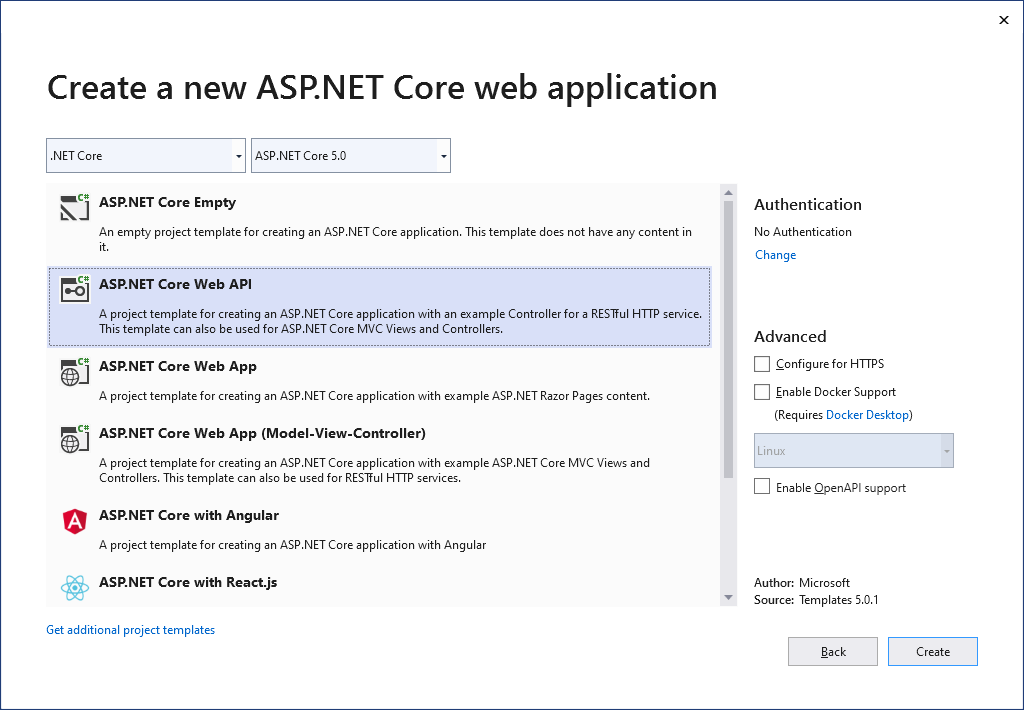
Para una mayor experimentación, crearé un servicio web simple basado en la plantilla de API web ASP.NET Core.
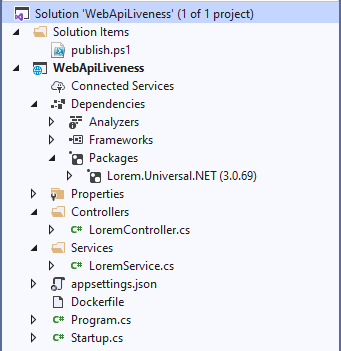
Agregaré a través del Administrador de paquetes un paquete para generar texto aleatorio con el comando Install-Package Lorem.Universal.Net -Version 3.0.69
Cambiar el archivo Program.cs
using Microsoft.AspNetCore.Hosting;
using Microsoft.Extensions.Hosting;
using System;
namespace WebApiLiveness
{
public class Program
{
private static int _port = 80;
private static TimeSpan _kaTimeout = TimeSpan.FromSeconds(1);
public static void Main(string[] args)
{
CreateAndRunHost(args);
}
public static void CreateAndRunHost(string[] args)
{
var host = Host
.CreateDefaultBuilder(args)
.ConfigureWebHostDefaults(webBuilder =>
{
webBuilder
.UseKestrel(options =>
{
options.ListenAnyIP(_port);
options.Limits.KeepAliveTimeout = _kaTimeout;
})
.UseStartup<Startup>();
})
.Build();
host.Run();
}
}
}
Agregaré la clase LoremService al proyecto , que devolverá un texto generado aleatoriamente
using LoremNET;
namespace WebApiLiveness.Services
{
public class LoremService
{
private int _wordCountMin = 7;
private int _wordCountMax = 12;
public string GetSentence()
{
var sentence = Lorem.Sentence(_wordCountMin, _wordCountMax);
return sentence;
}
}
}
En la clase de inicio registraré el servicio creado
public void ConfigureServices(IServiceCollection services)
{
services.AddSingleton<LoremService>();
services.AddControllers();
}
LoremController
using Microsoft.AspNetCore.Mvc;
using System;
using System.Net;
using WebApiLiveness.Services;
using Env = System.Environment;
namespace WebApiLiveness.Controllers
{
[ApiController]
[Route("api/[controller]")]
public class LoremController : ControllerBase
{
private readonly LoremService _loremService;
public LoremController(LoremService loremService)
{
_loremService = loremService;
}
//GET api/lorem
[HttpGet]
public ActionResult<string> Get()
{
try
{
var localIp = Request.HttpContext.Connection.LocalIpAddress;
var loremText = _loremService.GetSentence();
var result =
$"{Env.MachineName} ({localIp}){Env.NewLine}{loremText}";
return result;
}
catch (Exception)
{
return new StatusCodeResult(
(int)HttpStatusCode.ServiceUnavailable);
}
}
}
}
, Dockerfile . , ASP.NET .NET 5.
FROM mcr.microsoft.com/dotnet/aspnet:5.0-buster-slim
COPY bin/Release/net5.0/linux-x64/publish/ App/
WORKDIR /App
ENTRYPOINT ["dotnet", "WebApiLiveness.dll"]
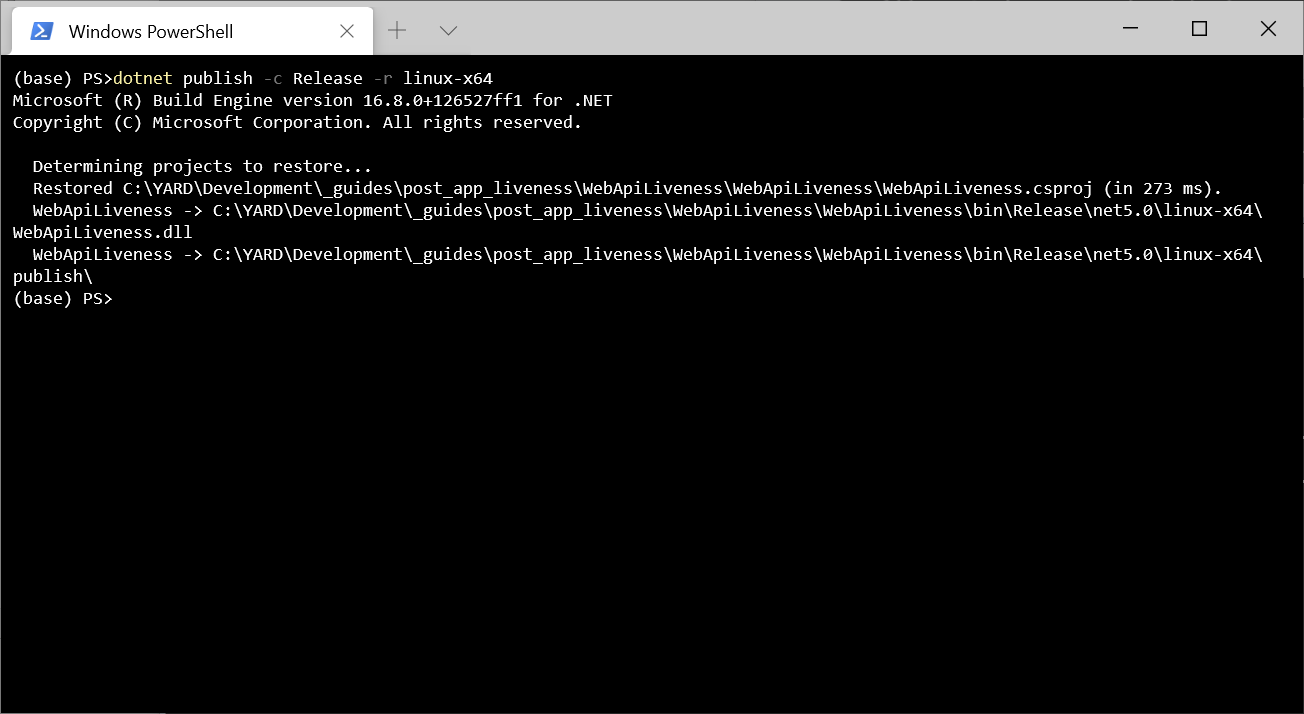
dotnet publish -c Release -r linux-x64
, Dockerfile. , docker build -t sasha654/webapiliveness .
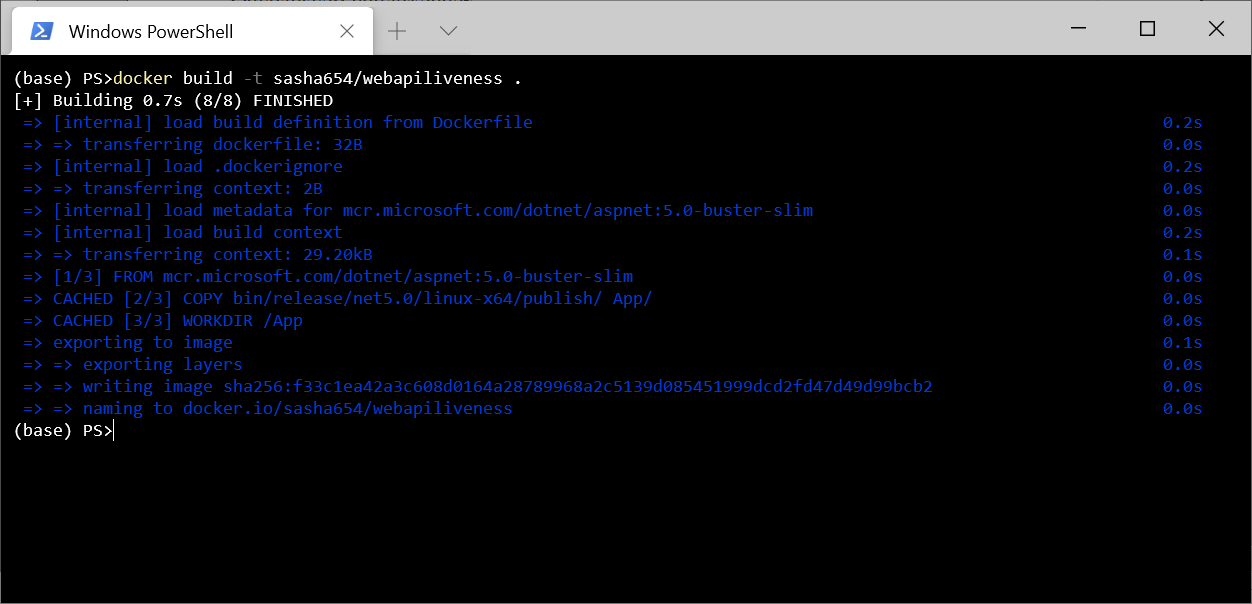
, Docker Hub docker push sasha654/webapiliveness
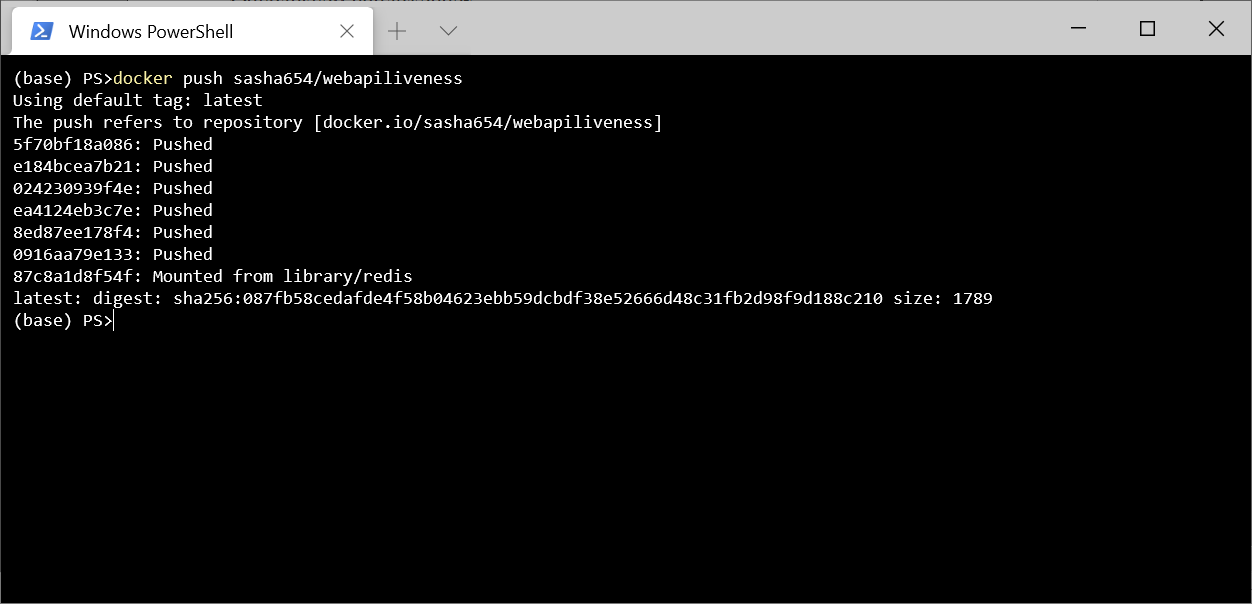
. Docker Hub, , sasha654 Docker ID, .
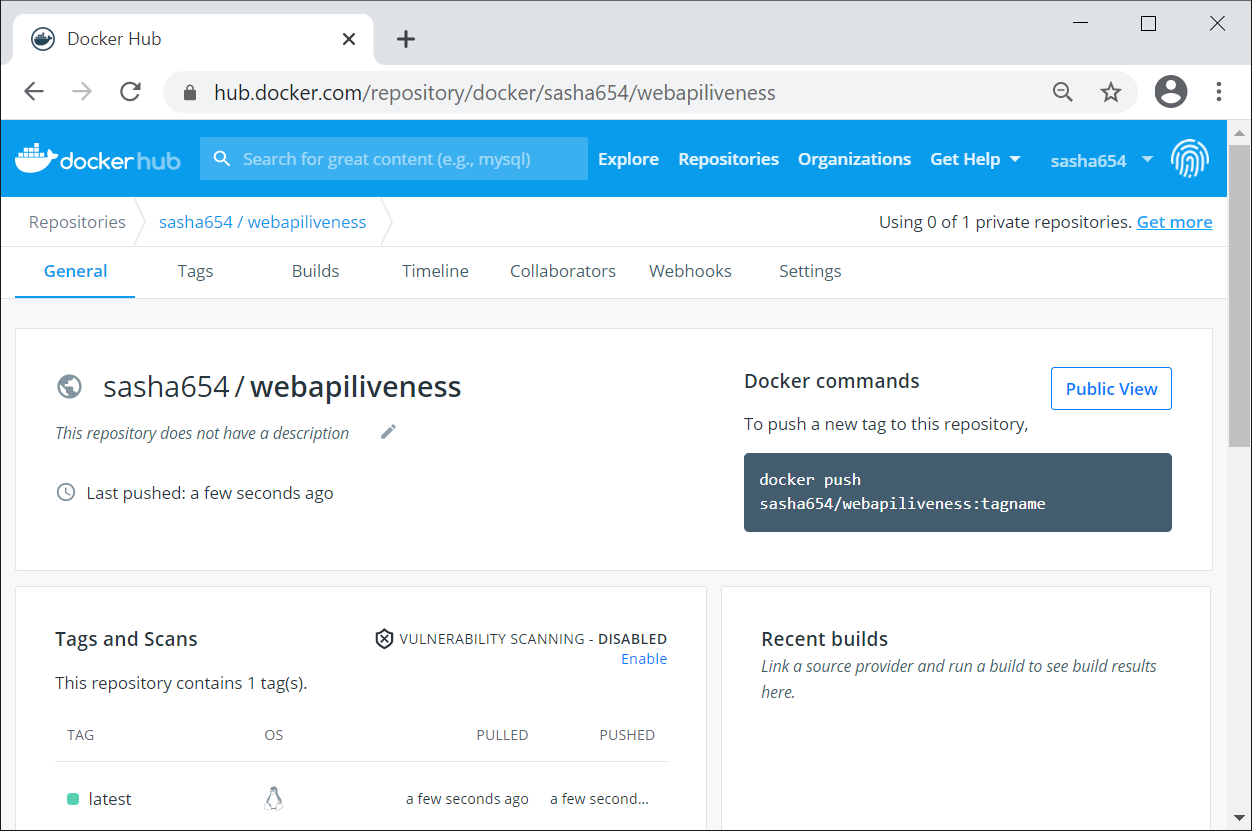
Kubernetes, , Docker docker run -p 8080:80 -d sasha654/webapiliveness
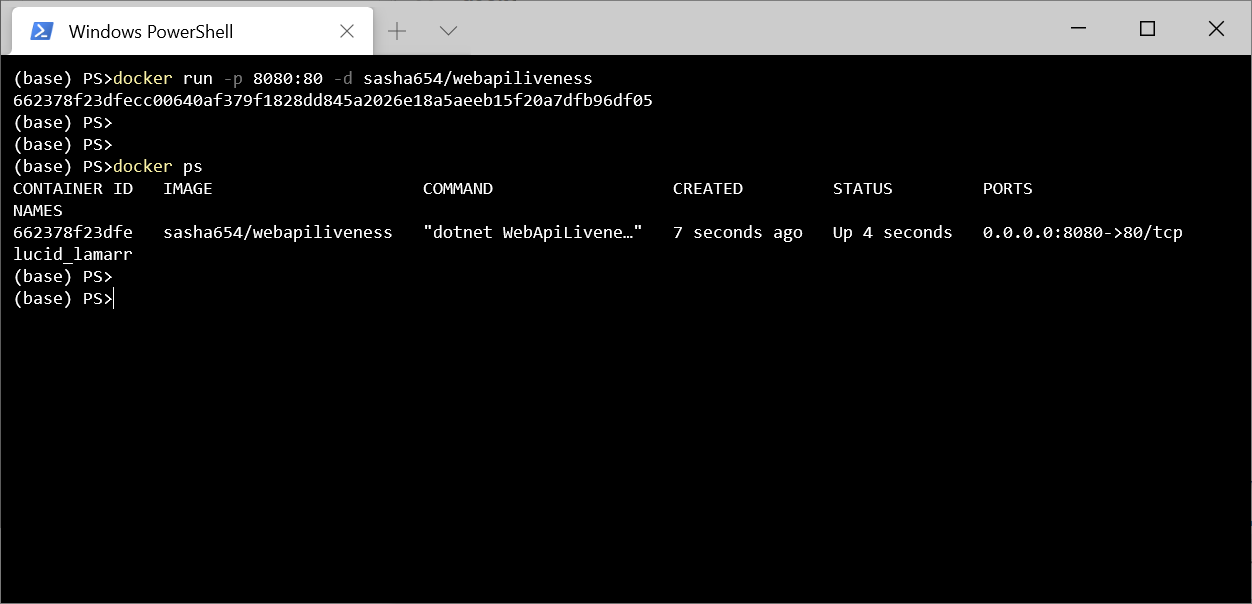
curl http://localhost:8080/api/lorem
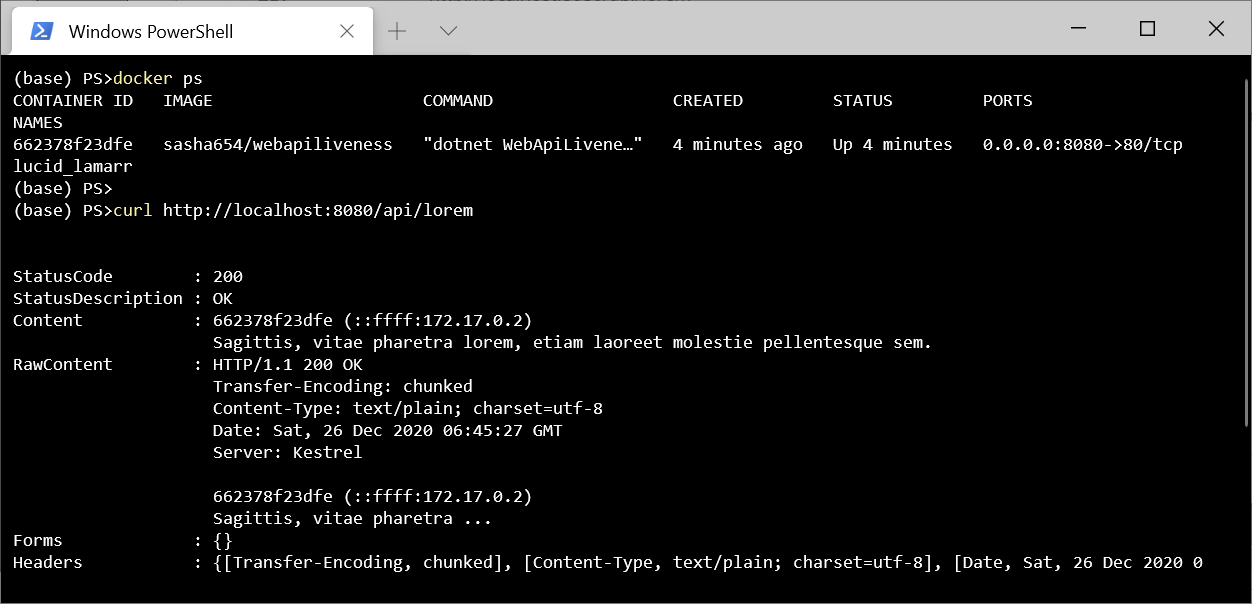
! , , .
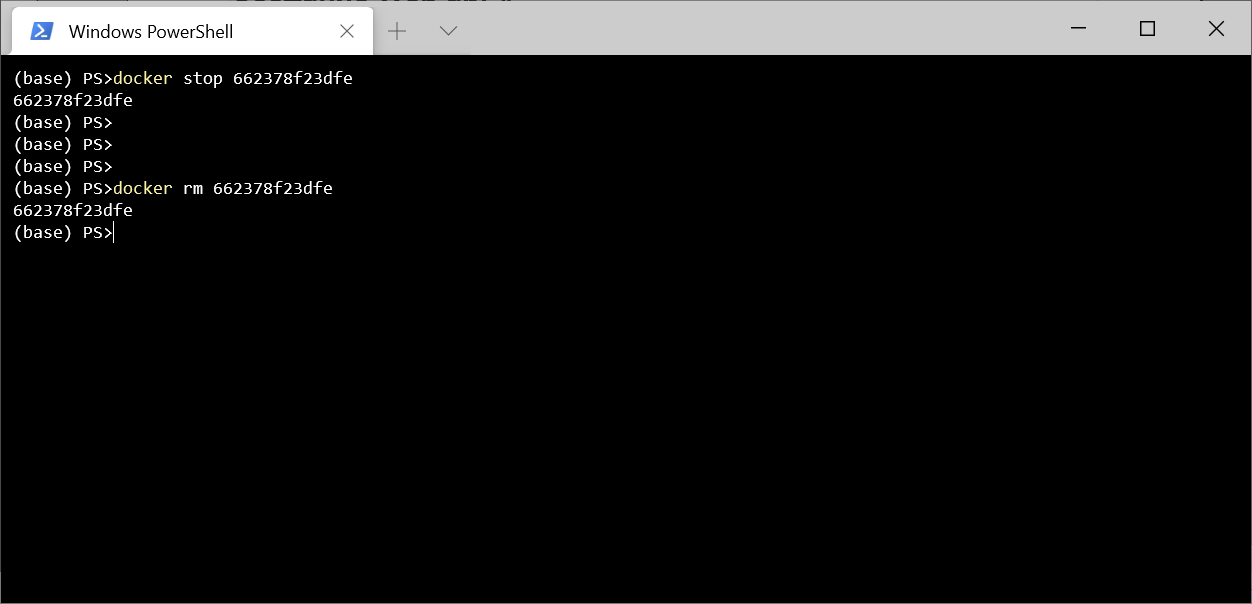
Kubernetes
Kubernetes, Pod – , () ( ) .
. Kubernetes – ReplicaSet, .
ReplicaSet 3 sasha654/webapiliveness. api: loremapi.
apiVersion: apps/v1
kind: ReplicaSet
metadata:
name: myrs
spec:
replicas: 3
selector:
matchLabels:
api: loremapi
template:
metadata:
labels:
api: loremapi
spec:
containers:
- name: webapiliveness
image: sasha654/webapiliveness
kubectl create -f kuber-rs.yaml
, kubectl get rs
kubectl get pods --show-labels
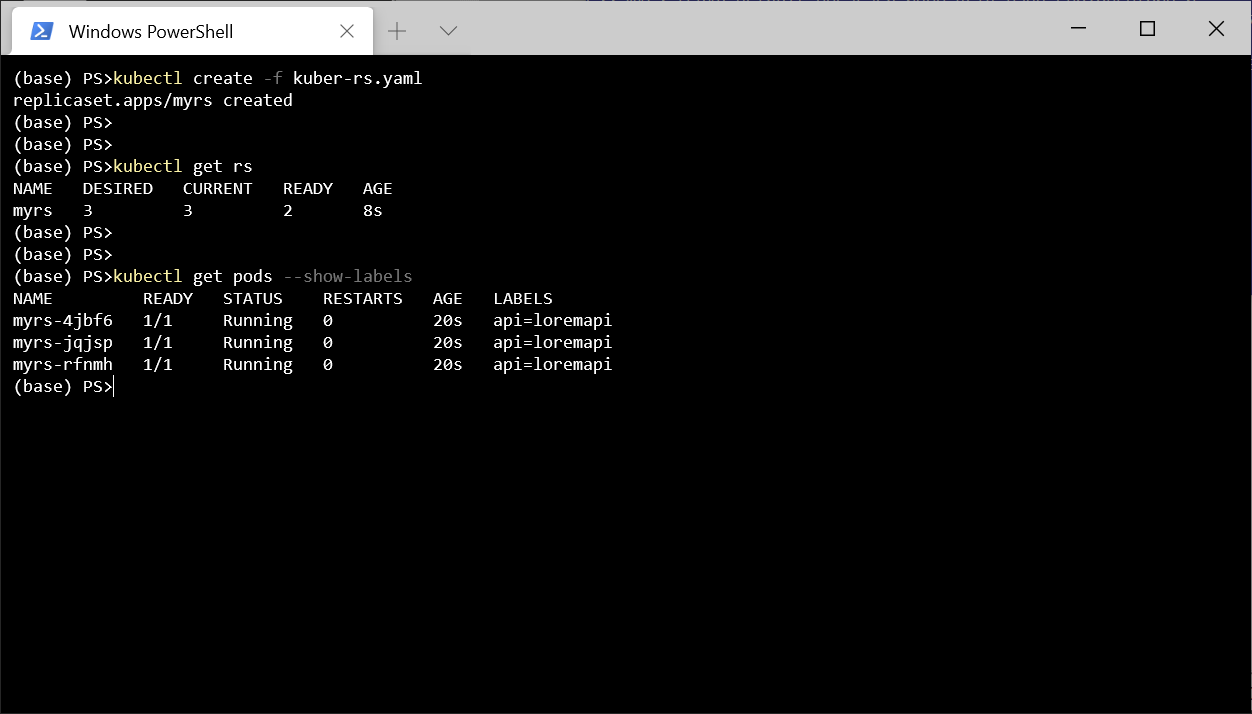
, Service LoadBalancer . , , spec.
apiVersion: v1
kind: Service
metadata:
name: mylb
spec:
type: LoadBalancer
selector:
api: loremapi
ports:
- port: 8080
targetPort: 80
kubectl get svc
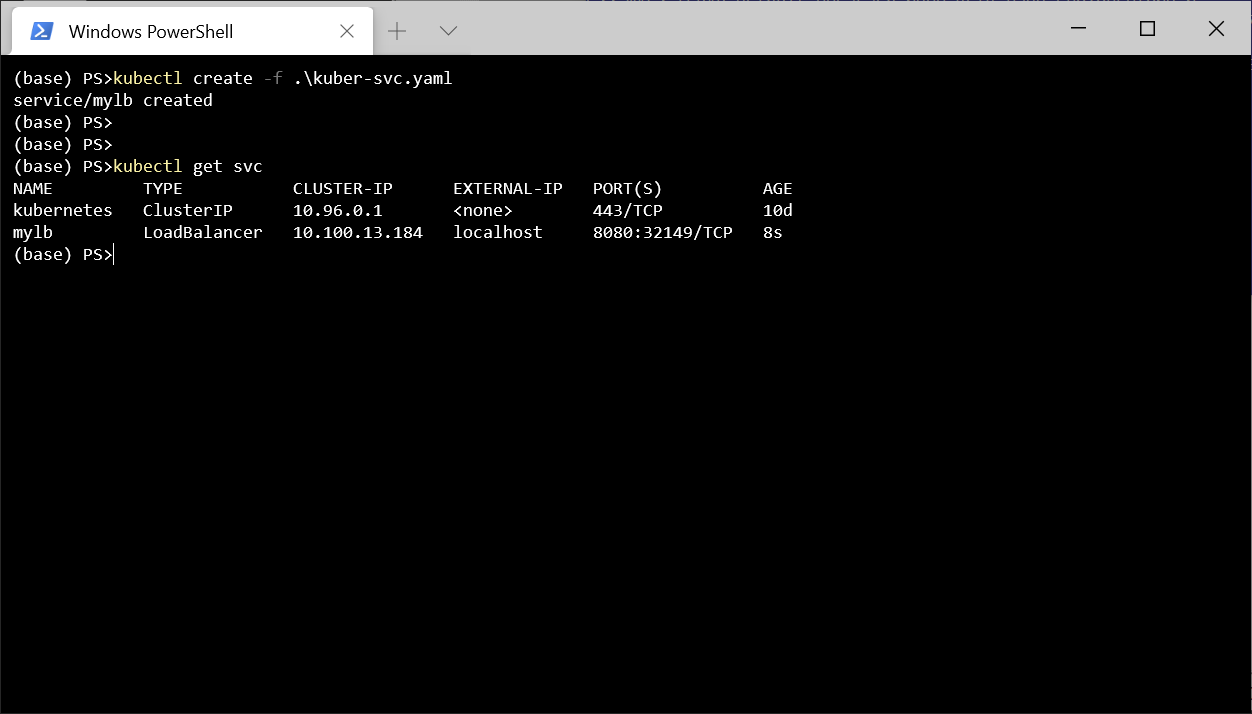
Postman http://localhost:8080/api/lorem
. .
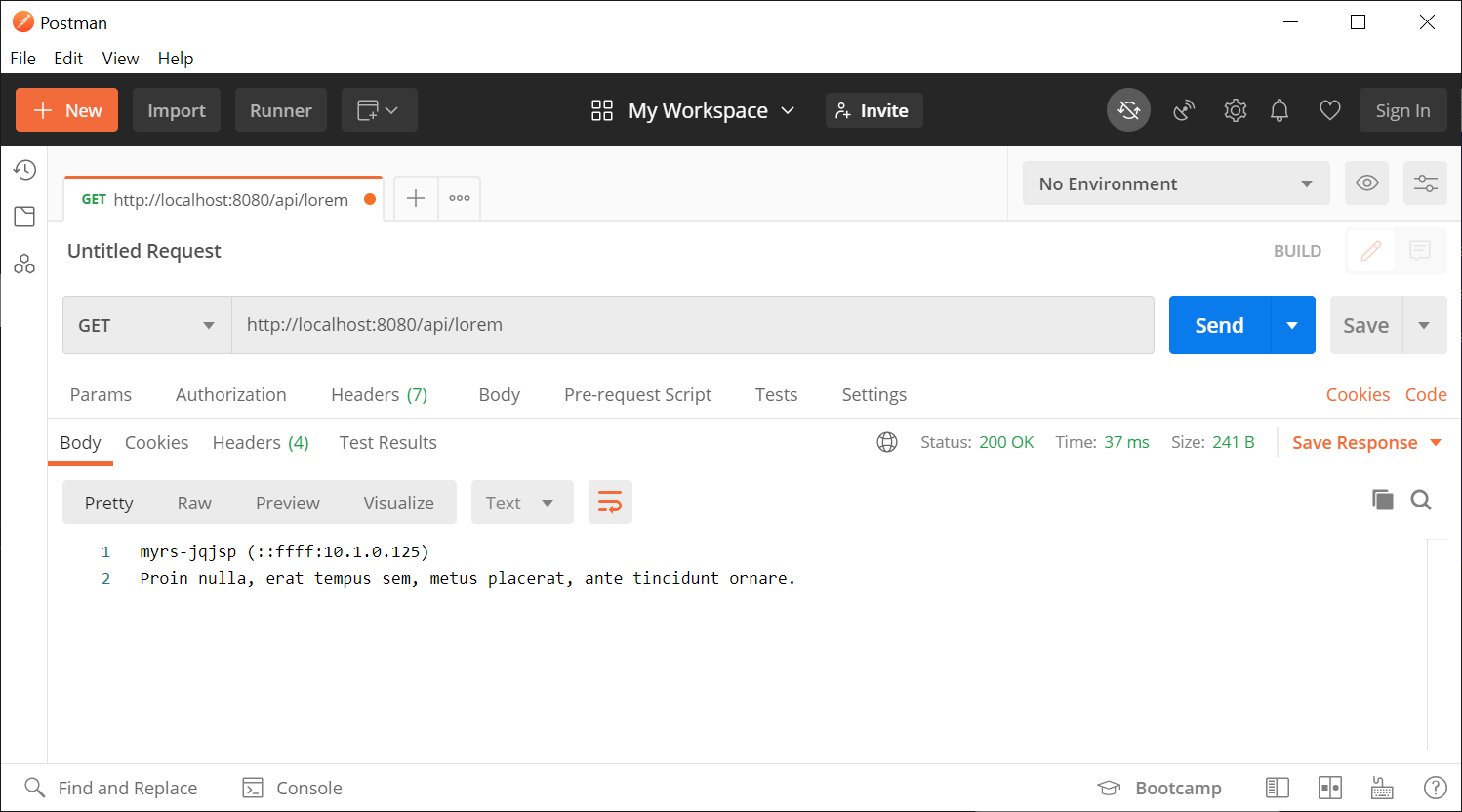
. . , , . , . , , Program.cs KeepAliveTimeout 1 , 2 , . , , , .
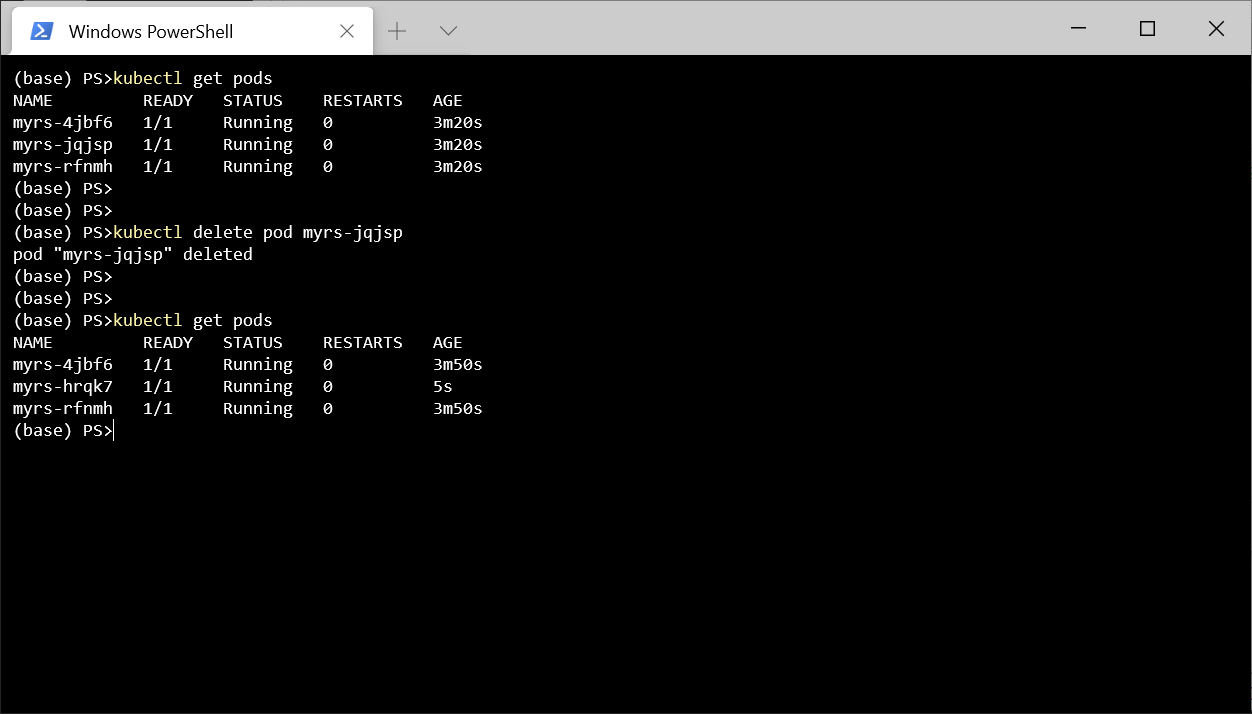
- , , - , , Kubernetes . Pod , , - , Kubernetes Pod.
, kubectl delete pod myrs-jqjsp
, , .
kubectl delete all --all
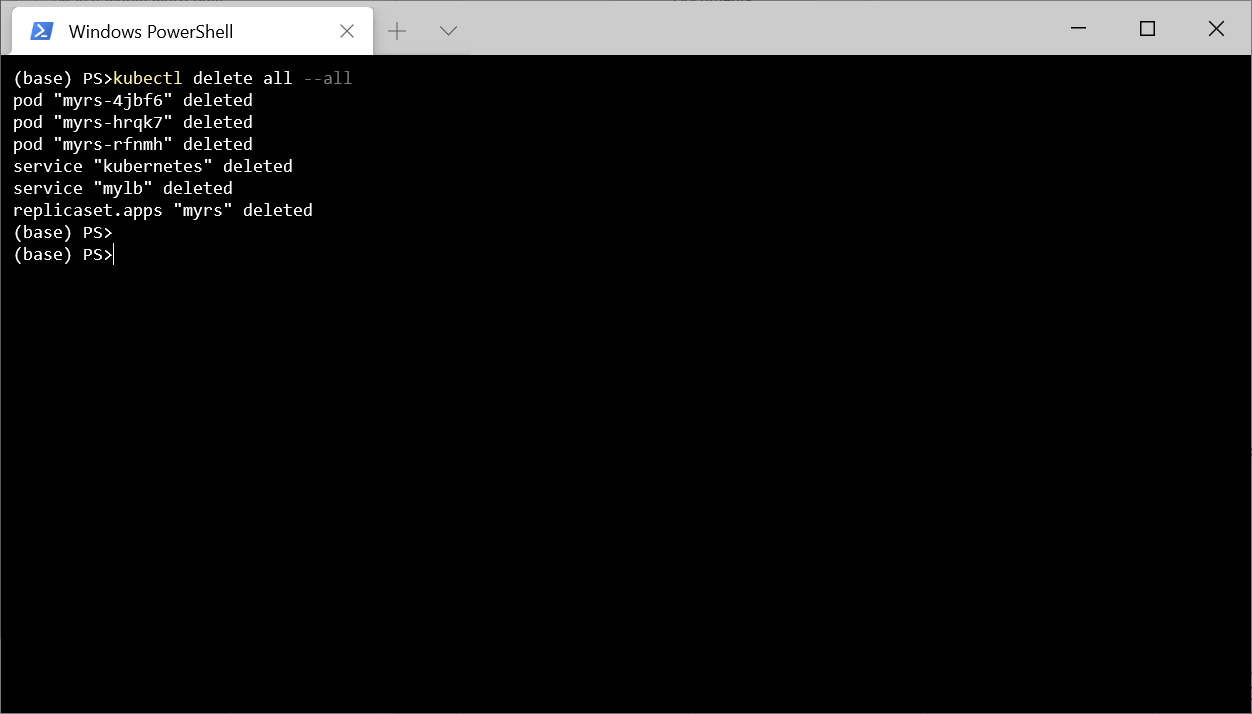
, , Kuberntes .
, , , Kubernetes , . , , , Kubernetes, .
, 3 .
exec. 0, .
TCP-. , .
GET- . , , , .
-, GET-. Docker Hub 1, .. - 2 .
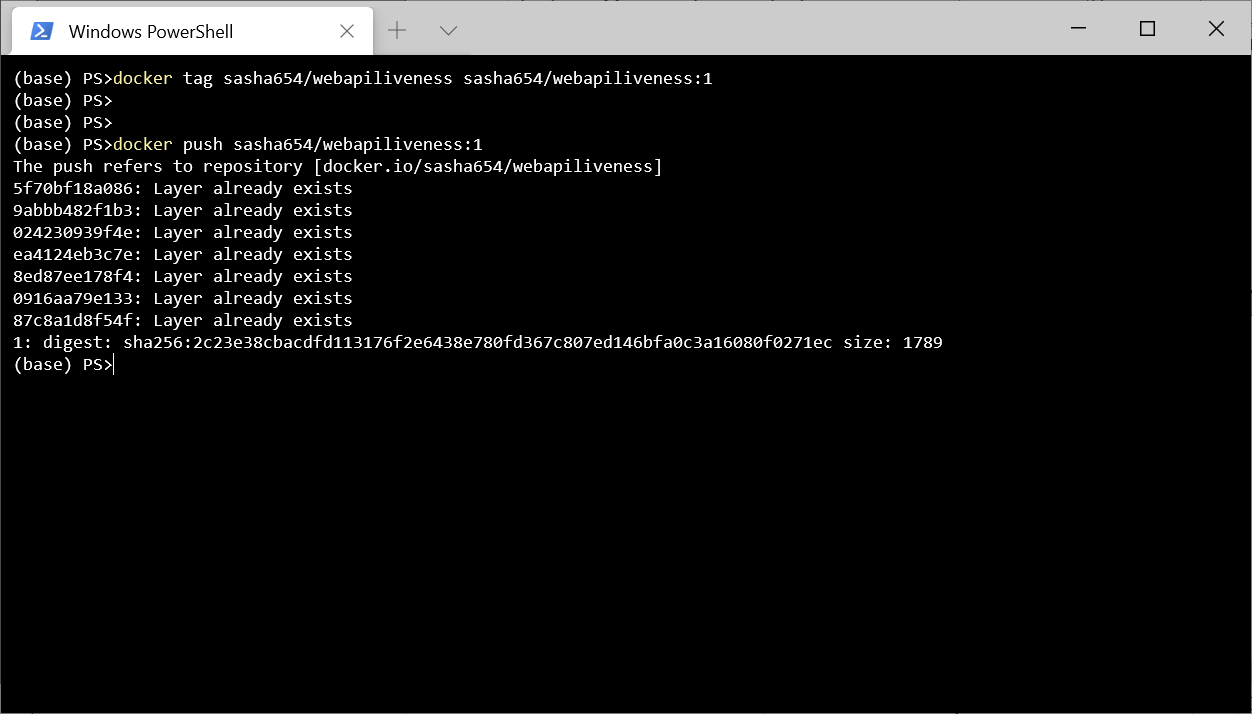
LoremService , API, , Kubernetes .
using LoremNET;
using System;
namespace WebApiLiveness.Services
{
public class LoremService
{
private int _wordCountMin = 7;
private int _wordCountMax = 12;
private int _numRequestBeforeError = 5;
private int _requestCounter = 0;
public LoremService()
{
IsOk = true;
}
public bool IsOk { get; private set; }
public string GetSentence()
{
if (_requestCounter < _numRequestBeforeError)
{
_requestCounter++;
var sentence = Lorem.Sentence(
_wordCountMin, _wordCountMax);
return sentence;
}
else
{
IsOk = false;
throw new InvalidOperationException(
$"{nameof(LoremService)} not available");
}
}
}
}
HealthController, GET- .
using Microsoft.AspNetCore.Mvc;
using System.Net;
using WebApiLiveness.Services;
namespace WebApiLiveness.Controllers
{
[ApiController]
[Route("api/[controller]")]
public class HealthController
{
private readonly LoremService _loremService;
public HealthController(LoremService loremService)
{
_loremService = loremService;
}
//GET api/health
[HttpGet]
public StatusCodeResult Get()
{
if (_loremService.IsOk)
{
return new OkResult();
}
else
{
return new StatusCodeResult(
(int)HttpStatusCode.ServiceUnavailable);
}
}
}
}
, Docker Hub, 2.
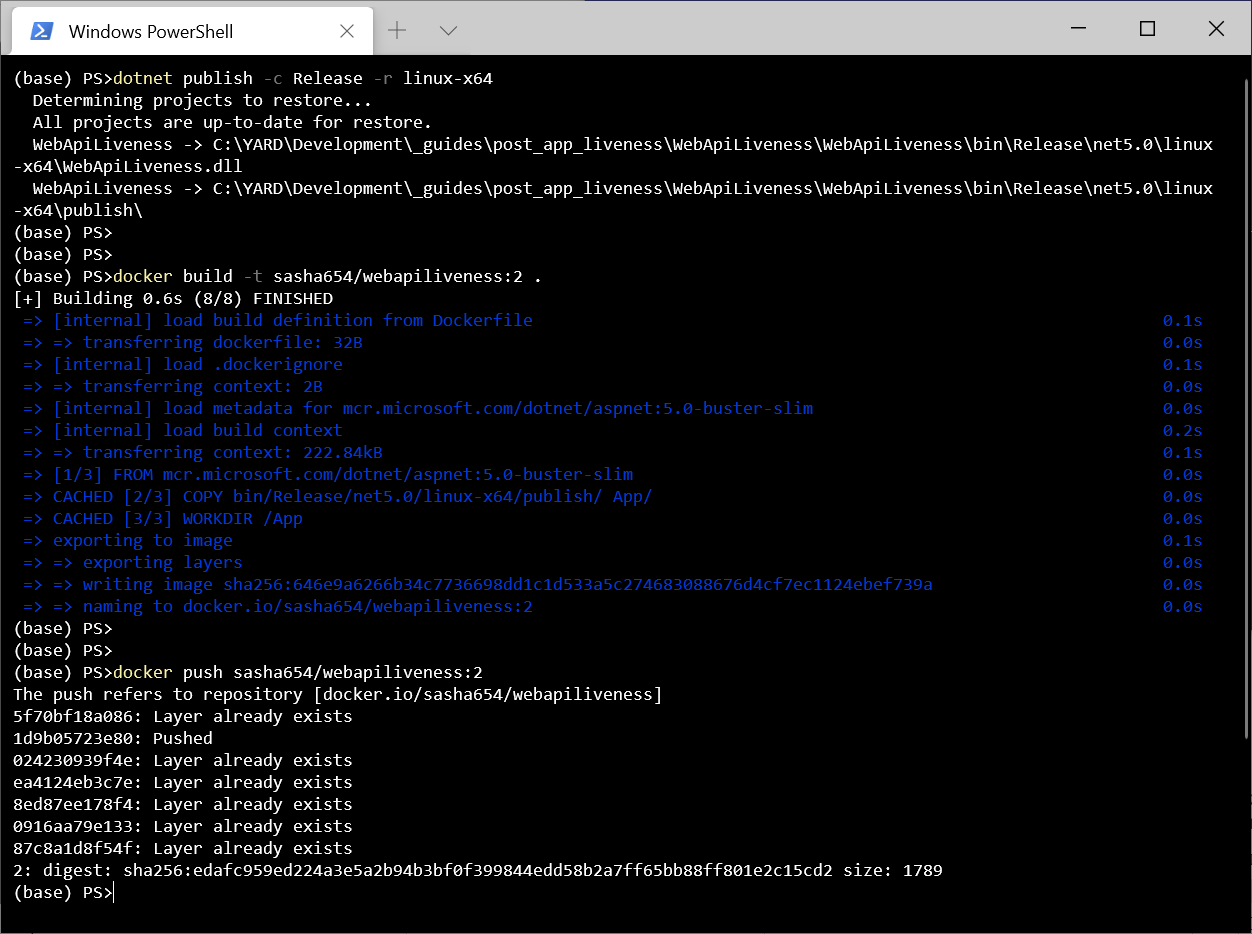
ReplicaSet . , , 1 , livenessProbe, Kubernetes .
apiVersion: apps/v1
kind: ReplicaSet
metadata:
name: myrs
spec:
replicas: 1
selector:
matchLabels:
api: loremapi
template:
metadata:
labels:
api: loremapi
spec:
containers:
- name: webapiliveness
image: sasha654/webapiliveness:2
livenessProbe:
httpGet:
path: /api/health
port: 80
initialDelaySeconds: 10
periodSeconds: 3
. , ReplicaSet Service.
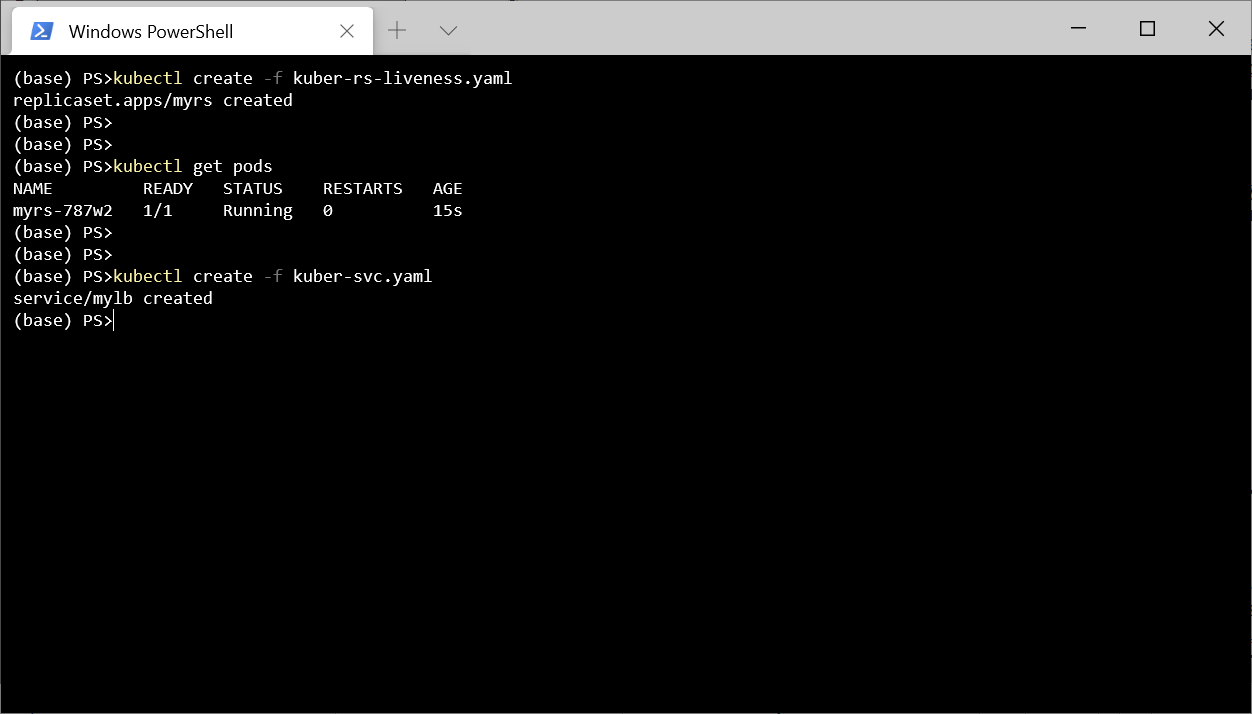
5 http://localhost:8080/api/lorem
.
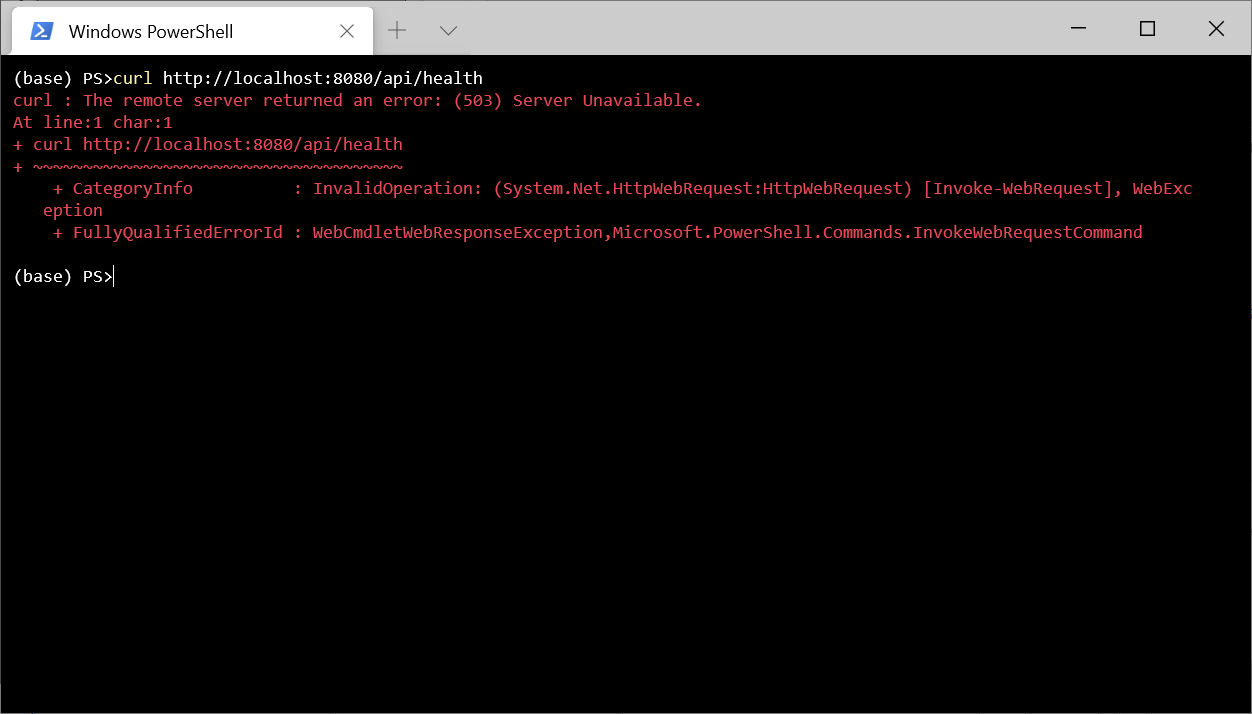
.
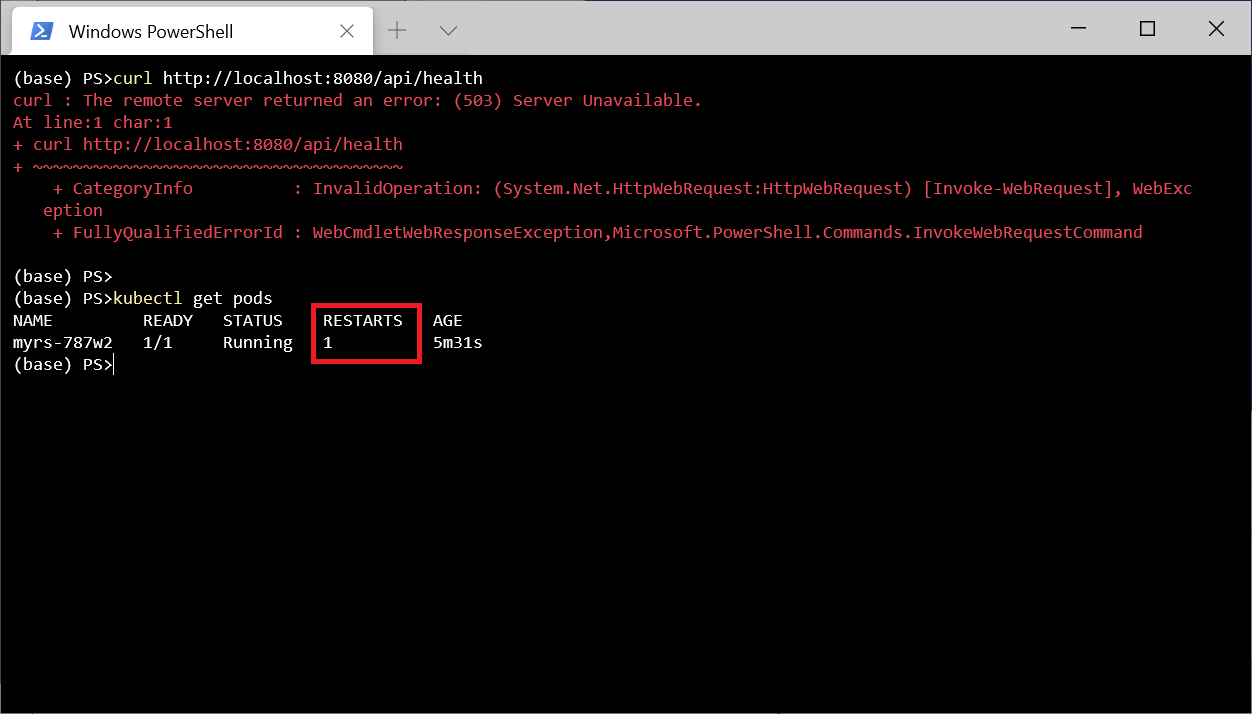
, kubectl describe pod myrs-787w2
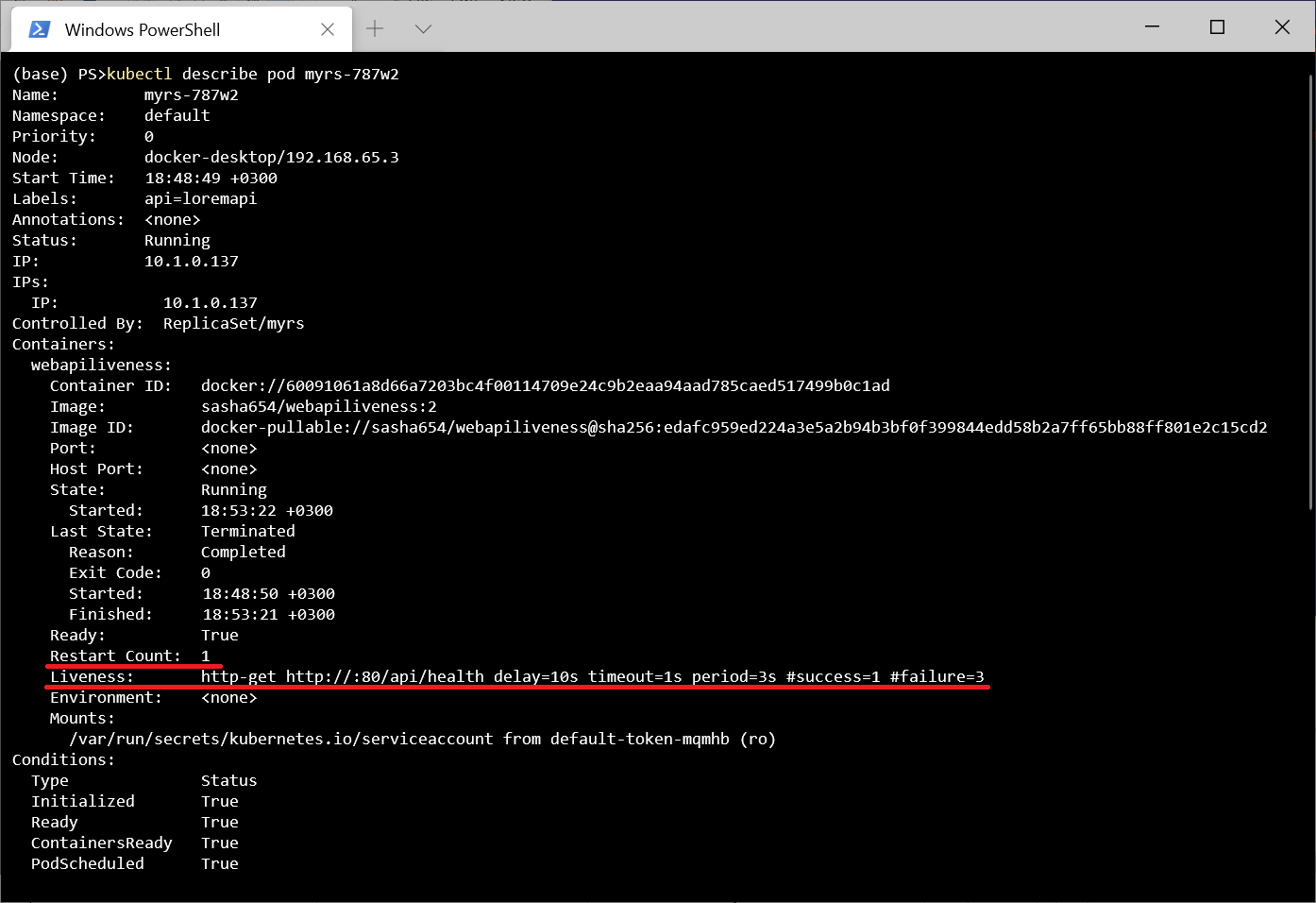
.
, , Kebernetes - (Readiness). , , . . - . , . , , Kubernetes .
Finalmente, mencionaré que ASP.NET proporciona el middleware Microsoft.AspNetCore.Diagnostics.HealthChecks para facilitar la creación de scripts de prueba. En particular, existen funciones que le permiten verificar recursos externos, por ejemplo, un DBMS de SQL Server o una API remota.
Aquí está el repositorio del proyecto .